Hardware
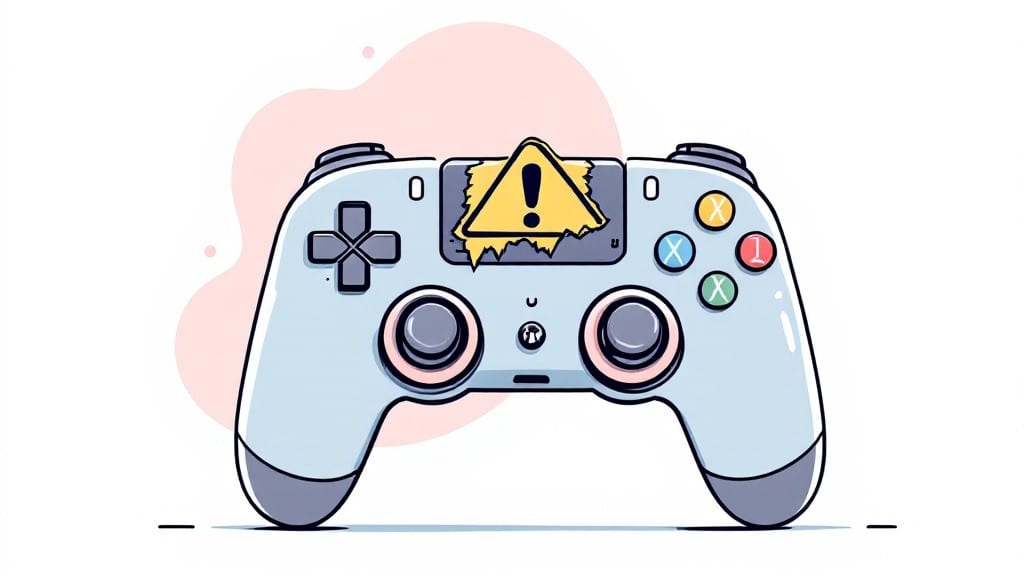
This warning system acts like a digital check-engine light for your gaming experience. 🔥 Microsoft’s servers constantly monitor game integrity and system health, triggering alerts when they detect inconsistencies—whether from partial downloads, conflicting updates, or hardware limitations.
For example, a game might show this symbol after a failed update or if it requires a newer Xbox OS version than what’s installed.
Understanding these triggers helps you take targeted action. The key is to start with simple fixes like restarting your console or verifying game files, which often resolves the issue without needing deeper technical intervention. This proactive approach keeps your gaming sessions smooth and frustration-free.
💡 In This Article
- Common Causes Behind Xbox Game Caution Symbols
- Step-by-Step Fixes for Xbox Game Caution Warnings
Common causes behind Xbox game caution symbols
The caution symbol in Xbox games appears when Microsoft's servers detect inconsistencies between your console's current state and the game's requirements. Here's what's actually happening: your Xbox continuously communicates with Microsoft's cloud services to verify game file integrity, system compatibility, and digital rights management (DRM) status.
When these checks fail—like when game files are partially downloaded or corrupted—the console triggers this warning to prevent potential crashes or performance degradation.
One of the most common triggers is corrupted game files. This can happen during downloads (especially over unstable Wi-Fi connections) or from interrupted updates. For example, a 50GB game downloading at 10 Mbps might take 5-6 hours—if your connection drops during this time, the file could become fragmented.
Microsoft's verification system detects these inconsistencies and flags them immediately. Another frequent cause is when your Xbox OS version is outdated—some games require specific system updates to run properly, and Microsoft's servers will block access until you're current.
The warning also appears due to DRM conflicts, particularly with games using Microsoft's proprietary anti-piracy measures. If your console's security certificates don't match what the game expects (often after major system updates), the game may refuse to launch.
For instance, games purchased through the Xbox Store use unique license files tied to your account—if these become desynchronized, the caution symbol appears. Hardware compatibility plays a role too: games requiring 4K resolution or 120Hz refresh rates will show warnings if your TV or console lacks the necessary capabilities.
Network-related issues often trigger these warnings too. If your Xbox can't properly authenticate with Microsoft's servers (due to regional restrictions or DNS problems), games may display the caution symbol. For example, trying to play a game restricted to your region while traveling could prompt this warning.
Even temporary network interruptions during game updates can leave files in an inconsistent state, forcing Microsoft's systems to flag them as problematic.
What most people don't realize is that these warnings are actually protective measures. Microsoft's systems are designed to prevent you from launching games that might crash mid-play or fail to save progress.
The caution symbol appears before you even try to load the game—this proactive approach helps maintain the integrity of your gaming experience. For instance, if a game's save files are corrupted, Microsoft's servers will detect this during verification and show the warning to prevent data loss.
Interestingly, some third-party games (especially those not optimized for Xbox Series X|S) may trigger these warnings more frequently. These games often rely on different DRM systems or have stricter system requirements.
For example, a PC ported game might expect certain hardware capabilities that your Xbox console doesn't fully support, causing Microsoft's verification systems to flag it as potentially problematic.
Understanding these technical triggers helps you troubleshoot more effectively. The key takeaway is that this warning system exists to protect both your gaming experience and Microsoft's digital ecosystem.
When you see the caution symbol, it's not just a random error—it's Microsoft's way of saying "something needs attention before you can proceed safely." 💫