
Software

Developers and data professionals often face compatibility issues when handling dates and times across systems. This guide explores the most widely recognized formats—from ISO 8601 to legacy standards—ensuring seamless cross-platform integration in your applications.
ISO 8601 Standard Format for Global Compatibility
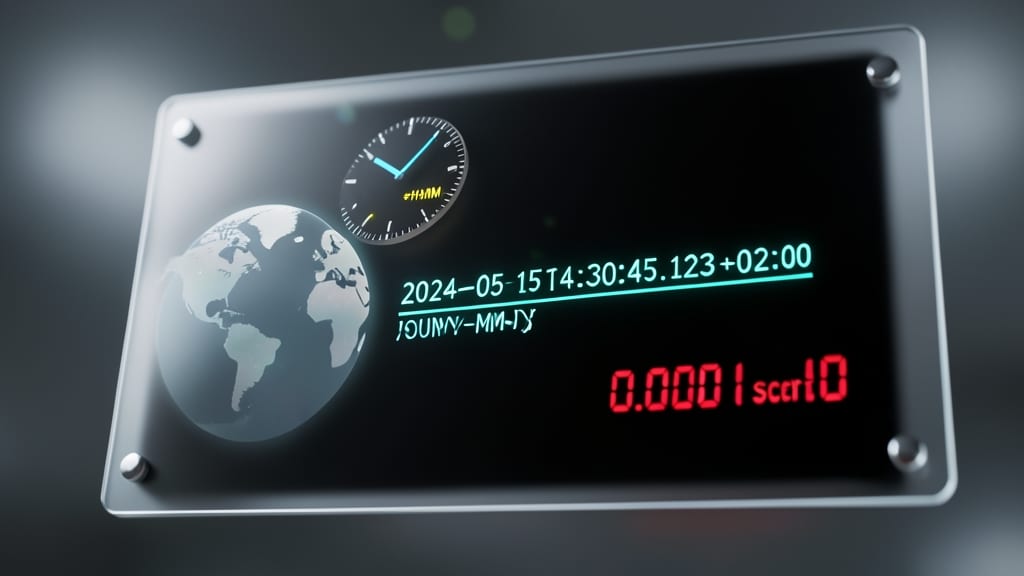
When your application needs to speak the same language worldwide, ISO 8601 is the format that bridges the gap. Unlike regional date conventions, it uses a YYYY-MM-DD structure with 24-hour time, timezone offsets (±HH:MM), and millisecond precision—eliminating ambiguity for global teams.
The standard’s syntax, like 2024-05-20T14:30:45+00:00, is machine-readable yet human-friendly. It’s natively supported by Python’s datetime module, JavaScript’s toISOString(), and SQL databases, making it ideal for APIs, logs, and cloud services where consistency matters most.
Perfect for developers building cross-border applications or maintaining systems where timezone awareness is critical. ⚡
Unix Epoch Time for Performance-Critical Systems

When your application demands sub-millisecond precision and minimal overhead, Unix Epoch Time delivers—counting seconds (or milliseconds) since January 1, 1970. This integer-based format is the backbone of high-performance systems, from caching layers to distributed algorithms.
Using 32-bit (seconds) or 64-bit (milliseconds) integers, Epoch Time eliminates parsing complexity, making it ideal for database indexing, session management, and logging. For example, 1716234245 translates to May 20, 2024, 14:30:45 UTC, but as a raw number, it’s faster to compare and store than formatted strings.
Backend engineers and DevOps teams rely on Epoch Time for zero-config timezone handling and atomic operations, ensuring consistency across microservices. ⚡
RFC 2822 (Email-Compatible Date Format)
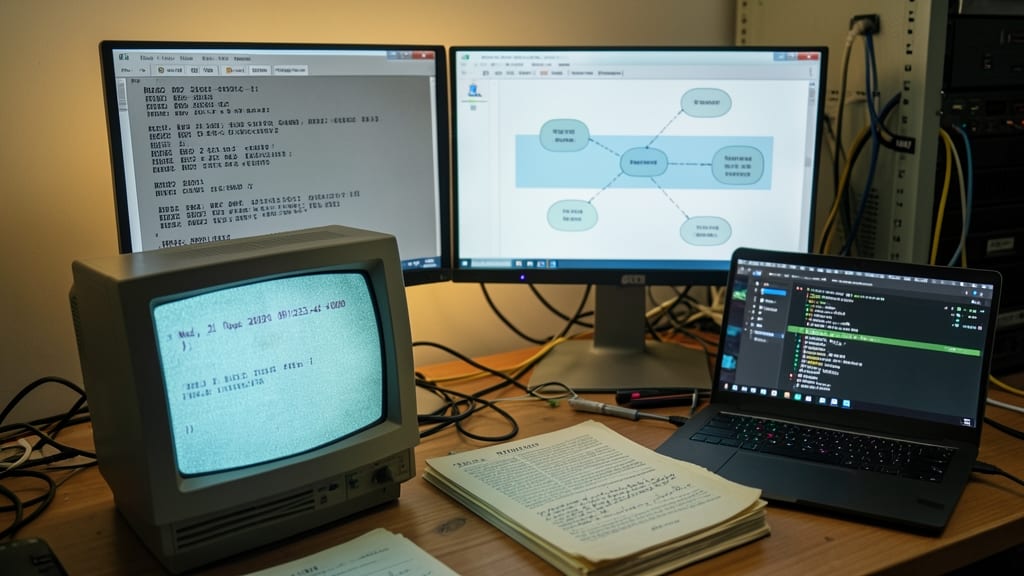
When parsing email headers or designing SMTP-compatible systems, RFC 2822 is the unsung hero of date formatting. Unlike machine-friendly formats like ISO 8601 or Unix Epoch, this standard prioritizes human readability while ensuring parsers can extract structured data—critical for spam filters, archiving systems, and email clients.
The format follows "Day, DD Mon YYYY HH:MM:SS ±HHMM" (e.g., "Mon, 20 May 2024 14:30:45 -0700"), where abbreviated month names and timezone offsets make it ideal for headers. Libraries like Python’s email.utils or JavaScript’s Date.parse() natively support it, reducing parsing errors in legacy systems. Its flexibility even accommodates folded headers (line breaks after 78 chars) without breaking parsing.
Perfect for developers maintaining email servers, archiving tools, or compliance systems where readability matters as much as machine processing. ⚡
Windows File Time Format for Legacy Systems
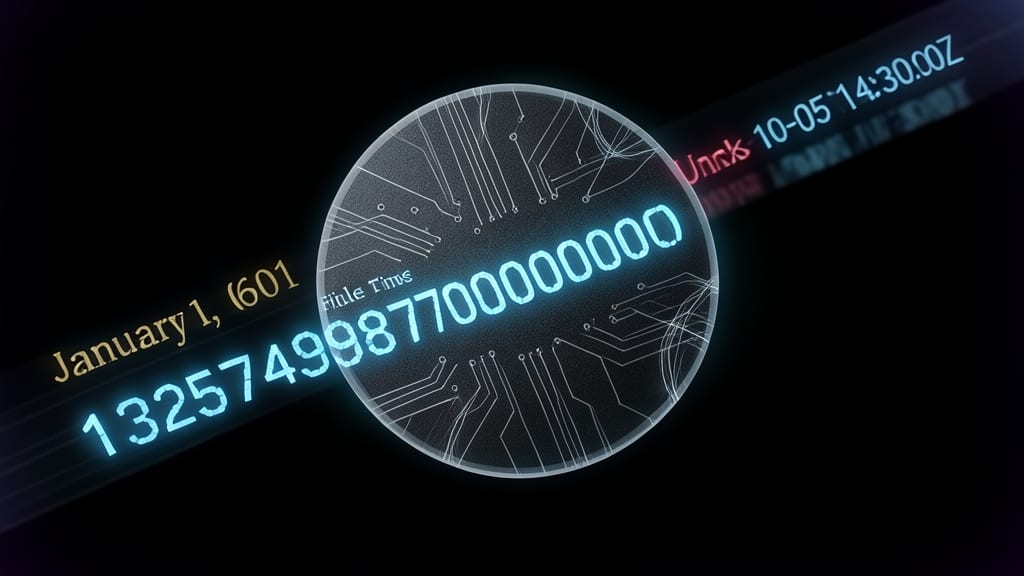
Ever wrestled with file timestamps that seem to defy logic in Windows systems? The Windows File Time format is a 64-bit integer counting 100-nanosecond intervals since January 1, 1601—a quirk of Windows' historical roots. Unlike Unix Epoch or ISO 8601, this format is deeply embedded in Windows APIs, file metadata, and system logs, making it indispensable for legacy app compatibility.
Each timestamp spans 10,000 ticks per millisecond, allowing for precision down to the microsecond level. For example, January 1, 2000, at midnight UTC translates to 126402560000000000 in File Time. This format powers everything from file creation dates in Explorer to registry timestamps, ensuring consistency across Windows versions. Converting it requires dividing by 10,000,000 to get seconds since 1601.
If you’re maintaining legacy Windows software, migrating old databases, or debugging file system issues, this format is your secret weapon. It’s the hidden glue keeping older apps running smoothly in modern environments. 💻
MySQL DateTime and Date Formats for Database Storage
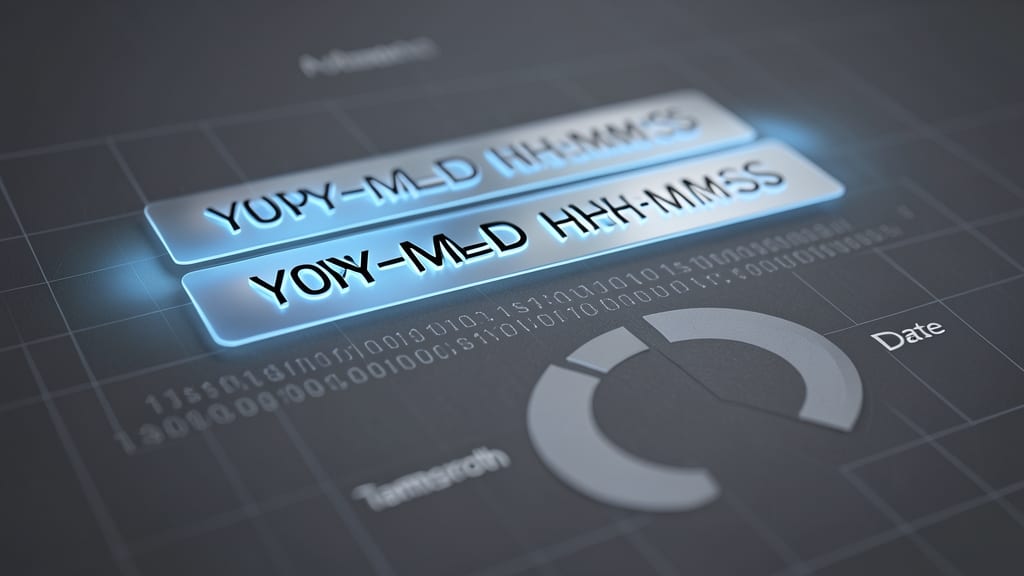
If you're designing a MySQL database, choosing the right date/time format can save you from timezone headaches later. MySQL offers two native formats: 'YYYY-MM-DD HH:MM:SS' for timestamps and 'YYYY-MM-DD' for dates, both stored efficiently as binary values.
These formats sort chronologically when stored as strings, avoiding the need for conversions. For timezone handling, MySQL recommends storing UTC in the datetime column and adding a separate column for timezone offsets (e.g., TIMESTAMP data type with timezone support). This approach ensures consistency across global applications.
Perfect for developers building multi-regional applications or migrating legacy systems to MySQL, where precise date handling is critical. ✨
JavaScript Date Object Methods for Frontend Development
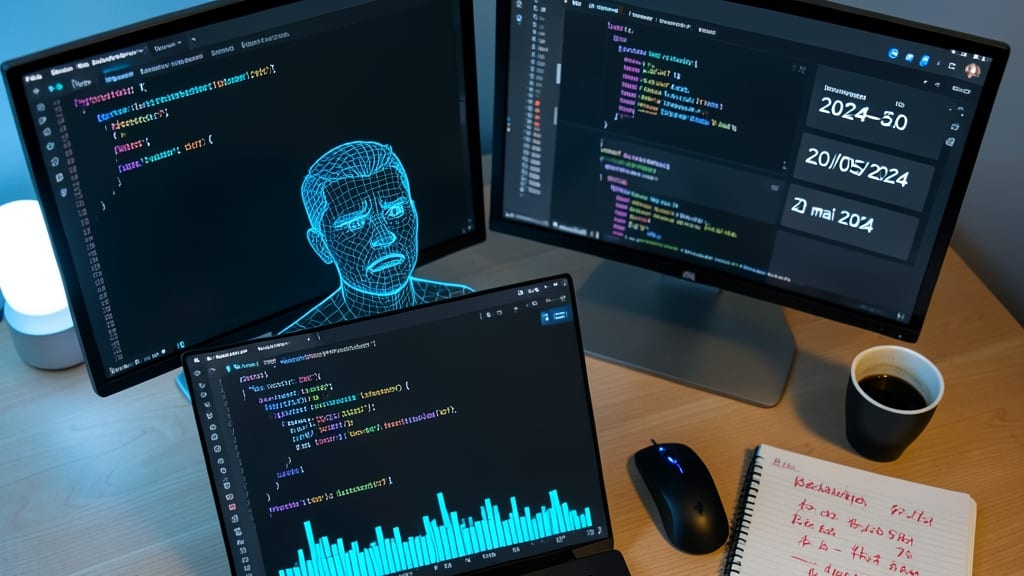
Frontend developers know that inconsistent date handling can turn a smooth user experience into a debugging nightmare. JavaScript’s Date object methods like toLocaleString() and toISOString() let you dynamically format dates for any locale or timezone—without relying on backend fixes.
With toLocaleString(), you get automatic localization (e.g., '20/05/2024' in UK vs. '05/20/2024' in US) using browser settings, while toISOString() ensures UTC consistency ('2024-05-20T14:30:45.000Z'). These methods eliminate client-side parsing errors by handling edge cases like daylight saving time or non-Gregorian calendars. ⚡
Perfect for global web apps where users expect dates in their native format—no backend workarounds needed. 💻
Excel-Compatible Date Formats for Spreadsheet Integration
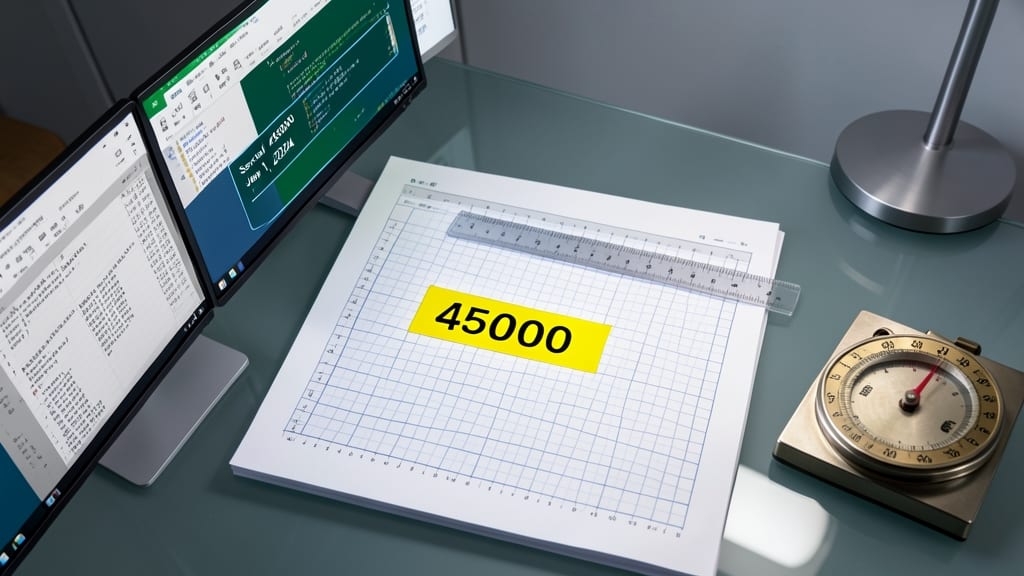
If your workflow depends on Excel, you can’t ignore its unique date-handling quirks—like the serial number system where dates are stored as numbers (e.g., 45000 = January 1, 2024). This system enables complex calculations and formatting, but it can trip up developers unfamiliar with how Excel treats dates internally.
Beyond serial numbers, Excel supports custom formats like MM/DD/YYYY, DD-MM-YYYY, and even text-based representations (e.g., "Jan 1, 2024"). The key is consistency: mismatched formats can corrupt financial models or break automated reports. For example, a cell formatted as text might display "05/20/2024" but store it as literal characters—not a date—unless explicitly converted.
This format is a must-know for accountants, financial analysts, and automation scripts that pull data from spreadsheets. Just beware: Excel’s date logic (like the infamous 1900 vs. 1904 epoch) can cause headaches if you’re not prepared. ✨