
Coding
SQL Server 2012 introduced groundbreaking features that transformed database management for developers and enterprises. These 10 innovations boost performance, simplify administration, and enhance security—making it a must-upgrade version for modern teams.
AlwaysOn Availability Groups

For enterprises where downtime isn’t just costly—it’s catastrophic—AlwaysOn Availability Groups in SQL Server 2012 delivers a game-changing solution. This feature replaces older high-availability methods by enabling synchronous and asynchronous data replication across multiple servers, ensuring zero data loss during failovers.
You get automatic failover with minimal latency, plus the flexibility to choose between synchronous (for critical data consistency) or asynchronous (for remote disaster recovery) replication modes. The setup supports up to 8 secondary replicas, letting you scale read workloads while keeping primary operations seamless. Unlike traditional mirroring, this handles partial failovers without disrupting the entire environment.
Perfect for financial systems, healthcare databases, or any mission-critical application where uptime is non-negotiable, AlwaysOn Availability Groups turns "what-if" scenarios into a battle-tested setup. ⚡
Columnstore Indexes for Data Warehousing

If your data warehouse queries are slower than a dial-up connection, Columnstore Indexes in SQL Server 2012 might be your game-changer. This feature redefines analytical workloads by storing data column-wise instead of row-wise, drastically improving query speeds for large datasets.
The magic happens with 90% compression rates and up to 10x faster aggregations, making it perfect for complex reporting and business intelligence. Unlike traditional row-based indexes, Columnstore excels at scanning entire columns—ideal for OLAP operations like SUM, AVG, or COUNT across millions of rows. Plus, it integrates seamlessly with SQL Server’s existing query optimizer for zero config hassle.
Perfect for data analysts, BI teams, and enterprises running large-scale reporting tools like Power BI or Tableau. If you’re drowning in slow analytical queries, this feature could turn your data into a high-performance powerhouse. ✨
Contained Databases for Portability
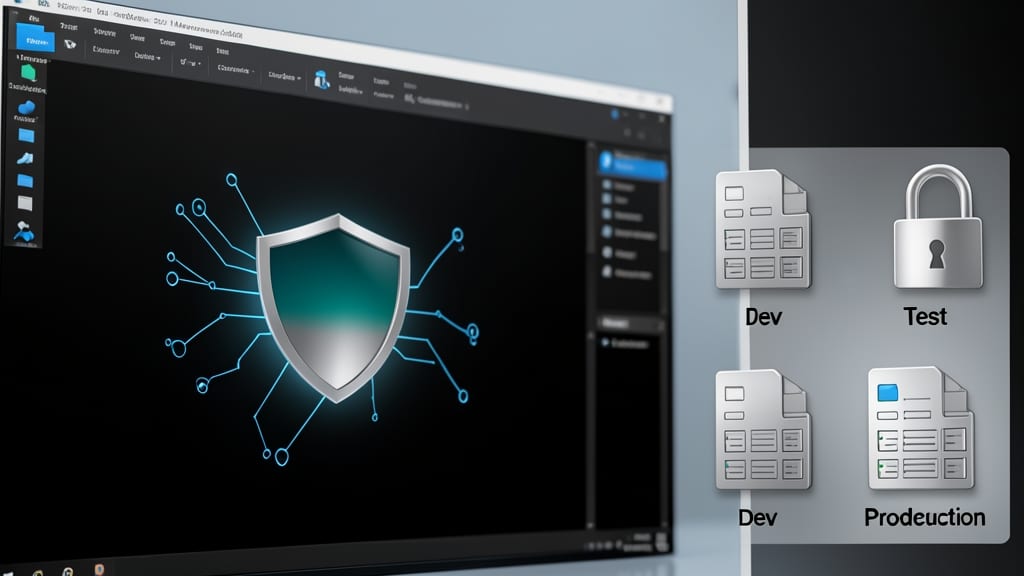
Tired of databases breaking when you move them between dev, test, and production environments? Contained Databases in SQL Server 2012 solve this by packaging everything—data, schemas, logins, and settings—into a single, self-sufficient unit.
With contained databases, you eliminate dependencies on server-level configurations, making migrations effortless. The PARTIAL containment mode lets you move databases while keeping some server-level objects (like logins) intact, while FULL containment isolates everything for true portability. This feature also simplifies backup/restore operations and reduces deployment complexity for multi-tenant SaaS applications.
Perfect for developers and DBAs managing cloud or hybrid environments, this feature cuts migration headaches by up to 70% while maintaining security and compatibility. ✨
Windows Server Core Support
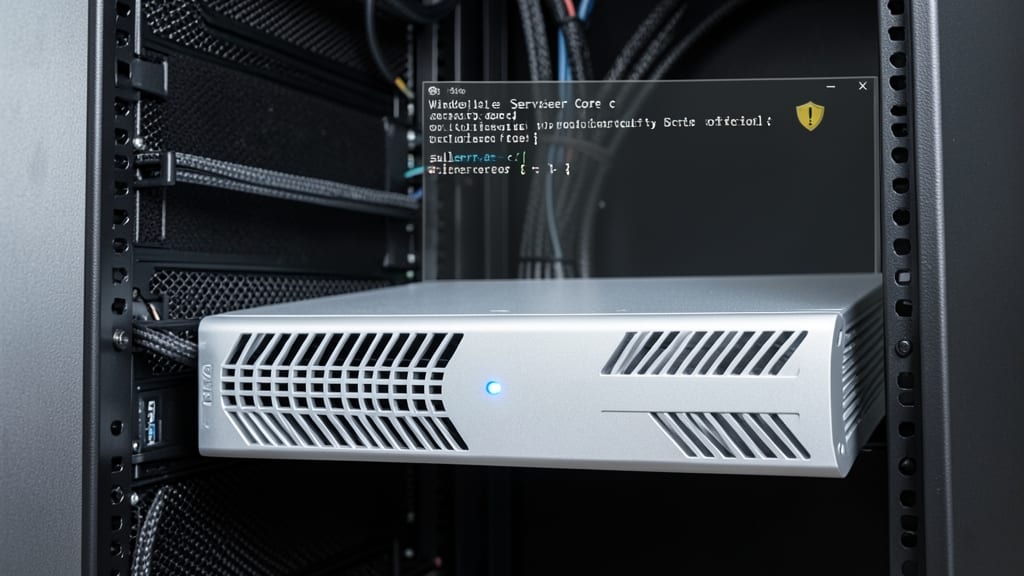
If you’ve ever wrestled with bloated server configurations or security vulnerabilities in SQL Server deployments, Windows Server Core support in SQL Server 2012 is your game-changer. This lightweight installation option strips away unnecessary GUI components, leaving only the essential services needed to run SQL Server—slashing your attack surface while keeping performance intact.
Running SQL Server on Windows Server Core reduces maintenance overhead by eliminating GUI dependencies, meaning fewer patches and updates to manage. It’s also a powerhouse for cloud deployments, where minimal resource usage translates to lower costs and higher efficiency. Security-conscious organizations will love the reduced footprint, as fewer services mean fewer potential entry points for threats. The setup is seamless, with no performance trade-offs compared to full Windows Server installations.
This feature is ideal for cloud-native environments and organizations prioritizing security without sacrificing functionality. Whether you're managing hybrid cloud setups or hardening on-premises databases, Windows Server Core support delivers a lean, secure foundation. 💻
SQL Server Data Tools (SSDT)

Database developers tired of juggling separate tools for schema management, source control, and deployment will love SQL Server Data Tools (SSDT)—a game-changer integrated directly into Visual Studio 2010/2012. This unified environment eliminates context-switching by combining schema comparisons, T-SQL debugging, and database project templates in one seamless workflow.
With SSDT, you get real-time schema validation against your live database, Git/TFVC integration for version-controlled deployments, and data-tier application (DAC) packages for portable database deployments. The schema comparison tool highlights differences between environments with a single click, while the debugger lets you step through stored procedures line by line—just like application code. For teams using Visual Studio Team Foundation Server (TFS), SSDT bridges the gap between dev and ops with built-in release pipeline support.
This tool is a must for enterprise database teams managing complex schemas or agile development shops where rapid, repeatable deployments are critical. Whether you're migrating legacy databases or building new ones, SSDT cuts deployment time by 50%+ while reducing human error. 💻
AlwaysOn Failover Cluster Instances
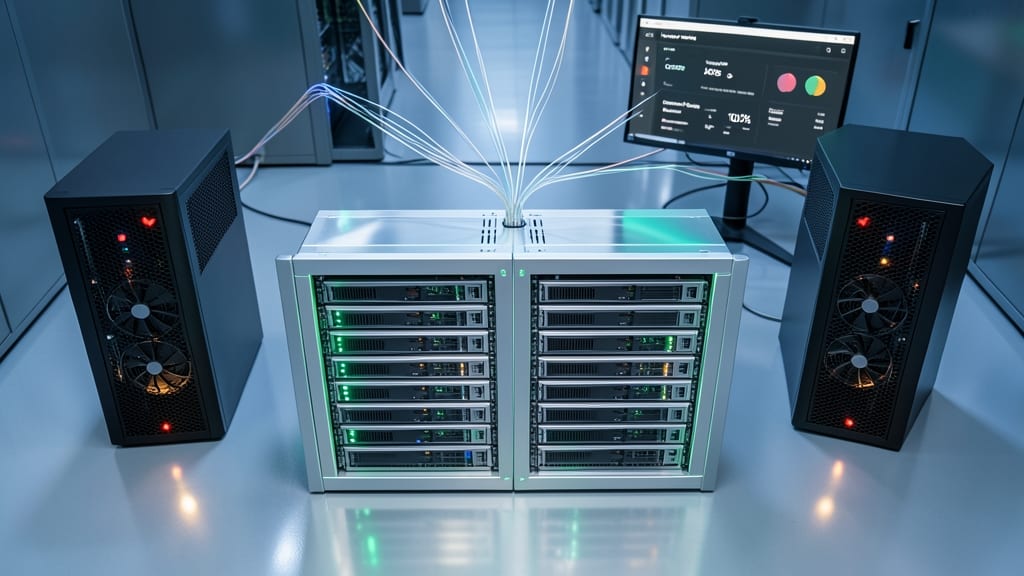
If your applications can’t afford downtime, AlwaysOn Failover Cluster Instances (FCI) delivers enterprise-grade resilience without the complexity. Unlike traditional clustering, this feature introduces shared storage and automatic failover, ensuring seamless transitions between nodes when hardware fails—all while keeping your databases online.
The magic happens with Windows Failover Clustering integration, where SQL Server 2012 automates the setup of a highly available cluster using SAN or iSCSI storage. You get sub-60-second failover times and support for up to 16 nodes in a single cluster, making it ideal for mission-critical workloads like ERP or financial systems. The setup is streamlined with zero-configuration requirements for basic deployments, letting you focus on reliability instead of manual tuning.
This feature is a game-changer for IT admins managing on-premises SQL Server environments, especially in industries where uptime directly impacts revenue. For teams already using Windows Server Failover Clustering, the integration feels like a natural upgrade path. ✨
Power View for Interactive Data Visualization
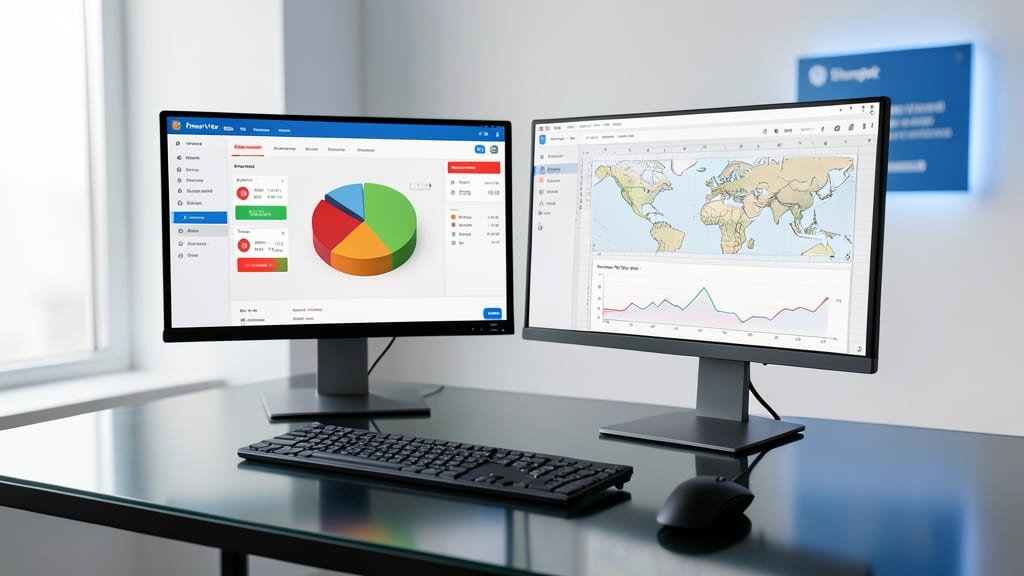
Tired of waiting for IT to build reports while your business decisions gather dust? Power View turns Excel and SharePoint into your personal BI playground—no SQL skills required.
This self-service visualization tool lets you drag-and-drop fields into interactive dashboards with maps, charts, and KPIs directly connected to your SQL Server 2012 data. Filtering is real-time, and you can drill down into details with a single click—perfect for spotting trends without writing a single query.
Ideal for marketing teams, sales analysts, and executives, Power View eliminates the bottleneck between data and decisions. Just connect to your database, and let the insights flow. ✨
Windows Azure Integration for Cloud

Tired of siloed data between your on-premises SQL Server and cloud databases? SQL Server 2012’s Windows Azure Integration bridges that gap with native hybrid cloud support, letting you sync data between on-premises SQL Server and Windows Azure SQL Database without custom scripts or third-party tools.
This feature uses synchronization services to replicate schema and data changes bidirectionally, ensuring consistency across environments. You can offload reporting workloads to Azure while keeping transactional data on-premises, all with minimal latency. The integration also supports failover scenarios, making disaster recovery seamless for hybrid setups.
Perfect for enterprises testing cloud migration or running hybrid analytics workloads, this feature lets you leverage Azure’s scalability while maintaining control over sensitive data. ✨
Enhanced Security with Transparent Data Encryption
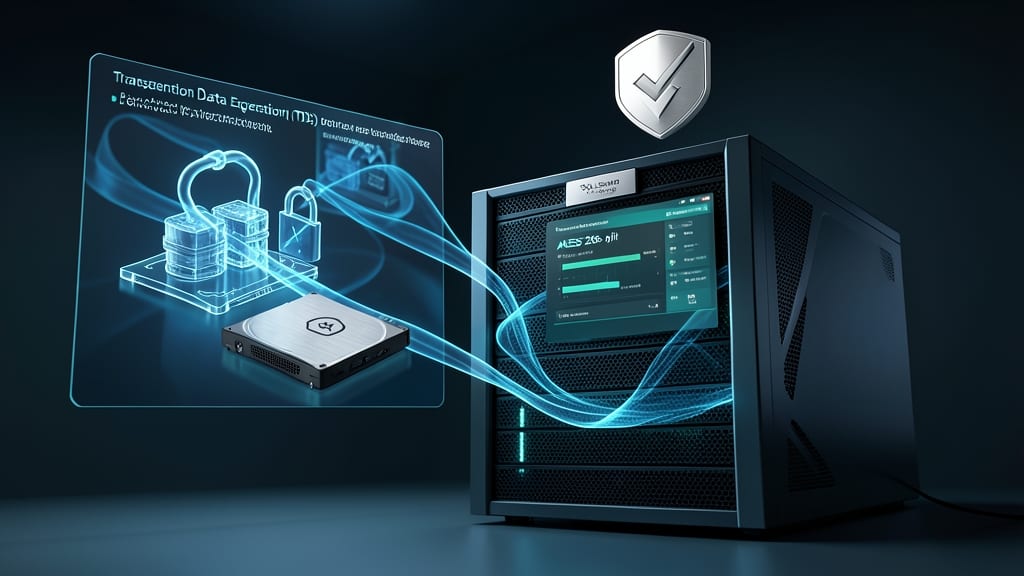
Worried about compliance audits or unauthorized data access? SQL Server 2012’s Transparent Data Encryption (TDE) solves both without disrupting your workflows. This feature automatically encrypts data at rest—including backups—using AES 256-bit encryption, while requiring zero application-level changes.
The magic happens behind the scenes: encryption keys are managed through SQL Server’s built-in key management system, and performance overhead is minimal—typically under 5% impact on I/O operations. Unlike manual encryption methods, TDE integrates seamlessly with existing security policies, making it ideal for industries like healthcare, finance, or government where data protection is non-negotiable.
Perfect for organizations juggling strict compliance requirements (HIPAA, PCI-DSS, GDPR) while maintaining operational efficiency, TDE turns security from a headache into a set-it-and-forget-it solution. ✨
SQL Server Data Quality Services
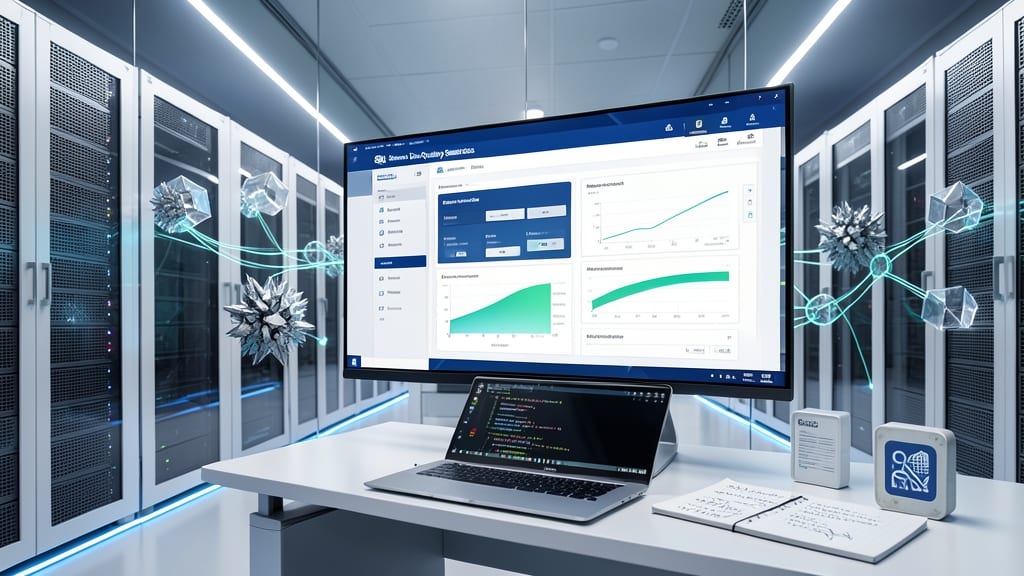
Clean, consistent data isn’t just nice—it’s the foundation of every reliable business system. SQL Server Data Quality Services (DQS) in SQL Server 2012 brings enterprise-grade data cleansing and matching tools directly into your database, eliminating the need for third-party solutions.
With DQS, you get automated data profiling to identify inconsistencies, customizable matching rules for deduplication, and interactive data cleansing workflows—all integrated with SQL Server Integration Services (SSIS). The Knowledge Base feature lets you define domain-specific rules (like standardizing street addresses or product names), while data quality projects provide end-to-end tracking of corrections. Best of all, it works seamlessly with master data management (MDM) initiatives to ensure your core datasets remain pristine.
Ideal for organizations dealing with customer, product, or supplier data, DQS turns messy datasets into actionable insights without manual intervention. 💡