
PowerPoint
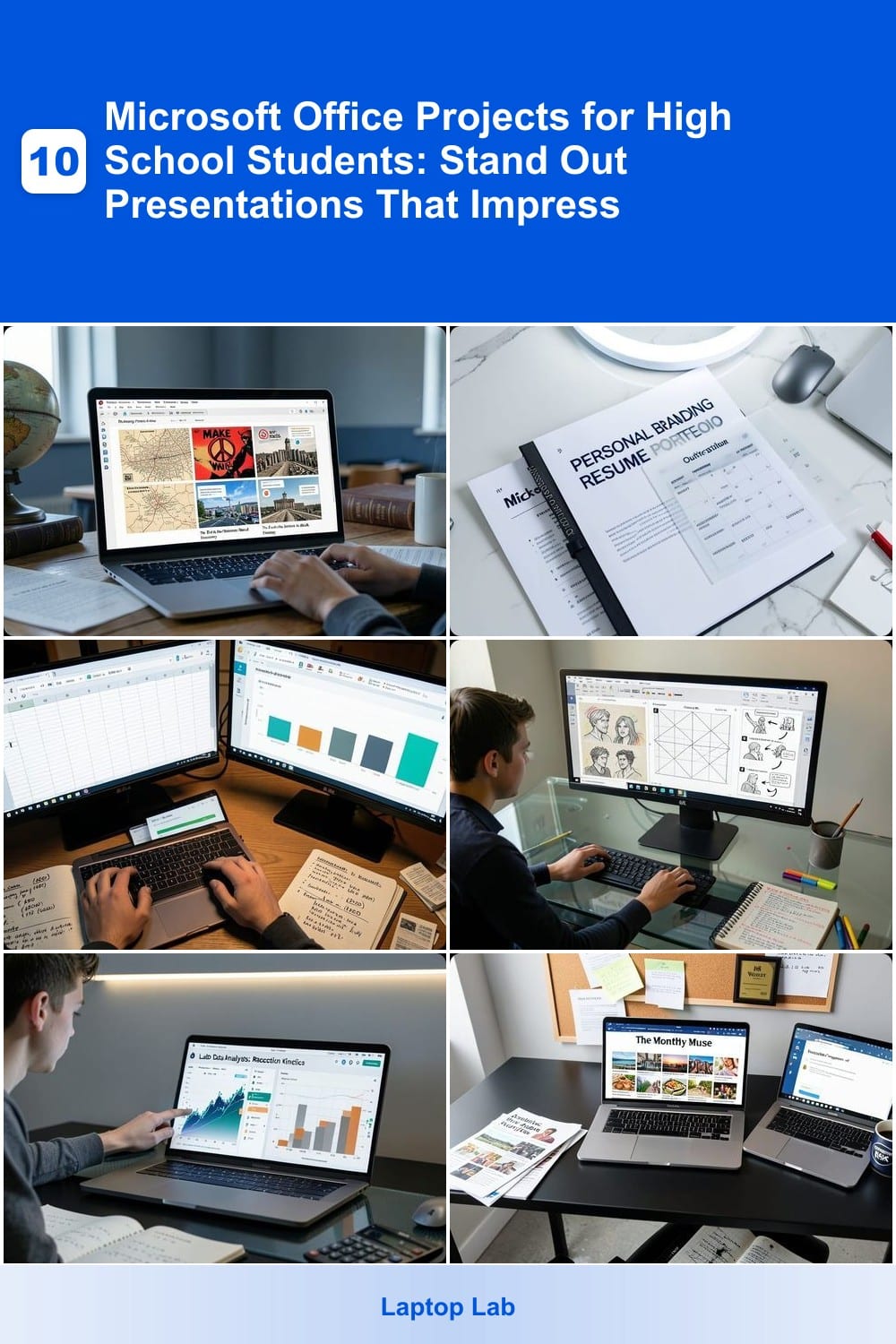
High school students need more than just basic Microsoft Office skills to stand out. These 10 creative projects leverage PowerPoint, Excel, Word, and Outlook to showcase professionalism, analytical thinking, and presentation prowess that will impress teachers and college admissions boards alike.
Interactive Classroom Timeline Presentation

Turn dry history lessons into a dynamic experience with an interactive PowerPoint timeline that brings major events to life. This project blends research with animation to create a visually compelling narrative—far beyond static slides.
Use Morph transitions to smoothly animate between eras, embed embedded videos of speeches or interviews, and layer color-coded themes for key periods. Add hyperlinks to source documents and interactive quizzes to test classmates’ knowledge. The Slide Master feature ensures consistent branding, while data visualization tools help highlight causal relationships.
Perfect for history buffs or students preparing for AP exams, this project proves you can master both research and presentation skills. Teachers love the depth, while admissions officers notice the professional polish. ✨
Personal Branding Resume Portfolio
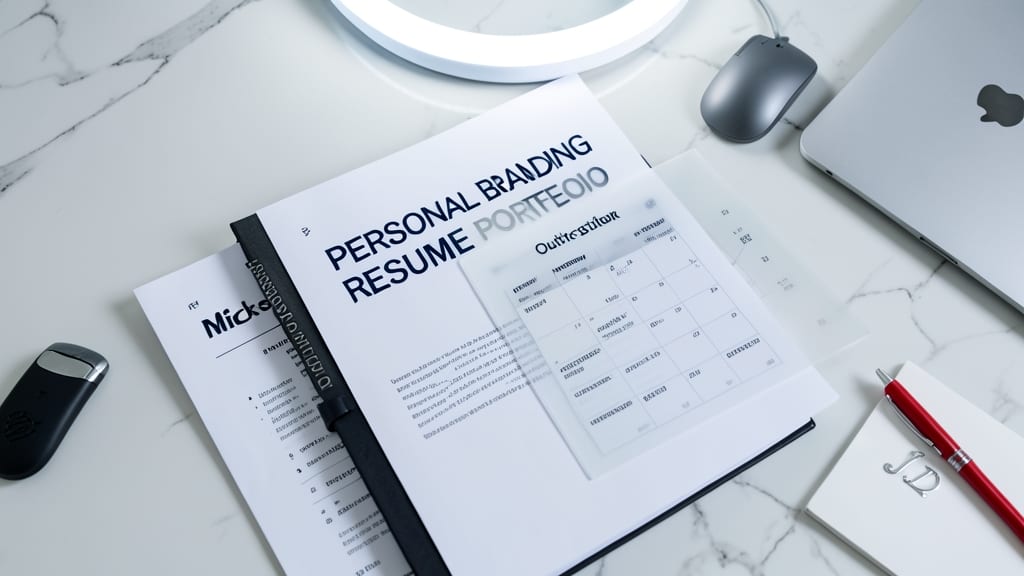
Standing out in internship or college applications isn’t just about grades—it’s about presenting yourself as a polished professional. This Personal Branding Resume Portfolio project lets you combine a sleek Word document with Outlook integration to create a multi-page portfolio that includes your resume, a tailored cover letter, references, and even links to your digital portfolio (like GitHub or Behance).
Start with a modern Word template (like the "Modern Resume" design) to craft your resume with clean typography and strategic formatting. Then, use Outlook’s email signature tools to embed hyperlinks to your online work samples. Add a references page with professional contacts and a cover letter that speaks directly to the internship or program you’re applying for—all in one cohesive document. The key? Consistency—match fonts, colors, and branding across every page.
This project is perfect for students in business, communications, or STEM fields who want to showcase both technical skills and professionalism. Whether you’re applying for a summer internship or a university program, this portfolio proves you can present yourself like a pro—without needing design software. ✨
Budget Analysis Spreadsheet Project
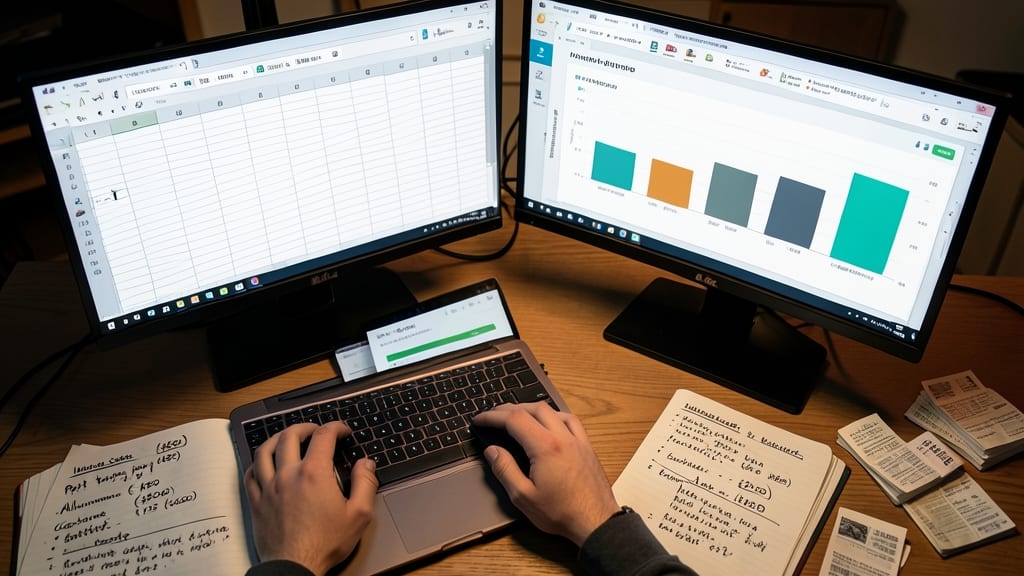
Turn abstract math problems into real-world financial skills with an Excel budget analysis project that goes beyond simple formulas. Students create dynamic spreadsheets tracking monthly expenses, income sources, and savings goals—then use pivot tables and data visualization to uncover spending patterns and optimize budgets.
The project teaches advanced Excel functions like VLOOKUP for category tracking, conditional formatting for budget alerts, and scenario analysis to test "what-if" questions (e.g., "What if rent increases by 10%?"). A built-in dashboard with charts makes complex data instantly understandable, perfect for visual learners.
Ideal for business, economics, or math classes, this project bridges classroom lessons with practical skills—like managing a student council budget or planning a school event. Teachers love how it demonstrates critical thinking and data literacy, two skills colleges and employers value most. ✨
Digital Storytelling Video Script
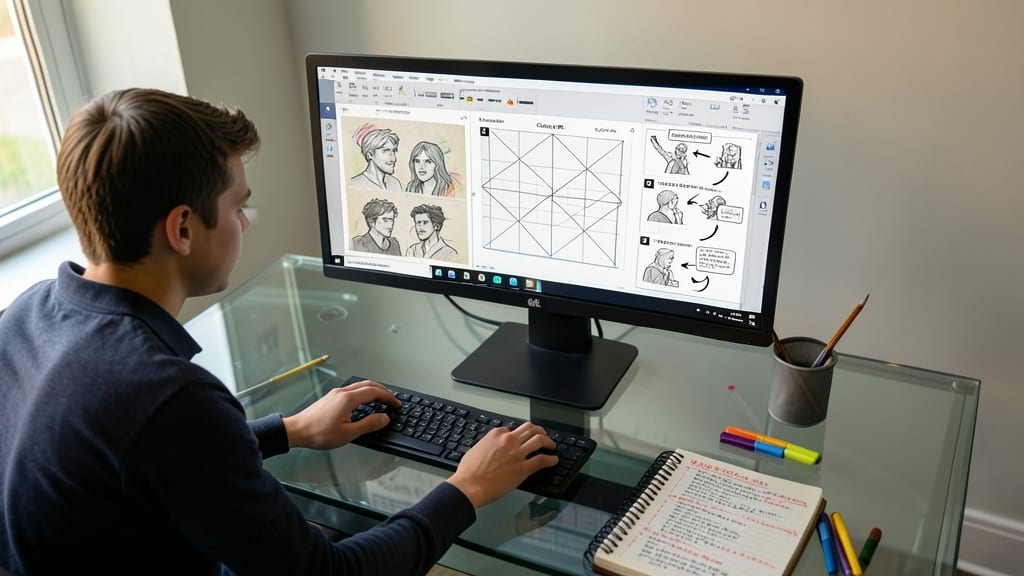
Turn your creative writing into a cinematic storyboard using PowerPoint’s built-in tools—no film degree required. This project transforms a short script into a visual script breakdown with shot compositions, character sketches, and scene transitions, perfect for English or media class assignments.
Start by outlining your script in PowerPoint slides, then use morph transitions to simulate camera movements between scenes. Add storyboard frames (using shapes and icons) to visualize each shot, and include mood boards for color palettes and lighting inspiration. The Mornington or Ion templates provide sleek cinematic layouts to elevate your presentation.
Best for students in English, film studies, or creative writing who want to blend storytelling with visual design. Teachers love seeing this blend of narrative and presentation skills—plus, it’s a great way to practice pre-production before filming. ✨
Science Experiment Data Visualization

Turn raw lab data into a visually compelling story with Excel’s data visualization tools—perfect for STEM students who want to showcase both technical precision and clear communication.
Build a custom dashboard featuring dynamic charts (like scatter plots for reaction rates or bar graphs for error margins), trendline equations, and conditional formatting to highlight anomalies. Use Excel’s Data Validation to create dropdown menus for experiment variables, ensuring your dashboard is both interactive and reproducible. Add a summary slide in PowerPoint to explain methodology, making it easy for teachers to follow your scientific reasoning.
This project is ideal for chemistry, physics, or biology students preparing for science fairs or college applications. It proves you can **analyze data and present findings**—a skill top-tier STEM programs look for. ✨
Virtual Classroom Newsletter
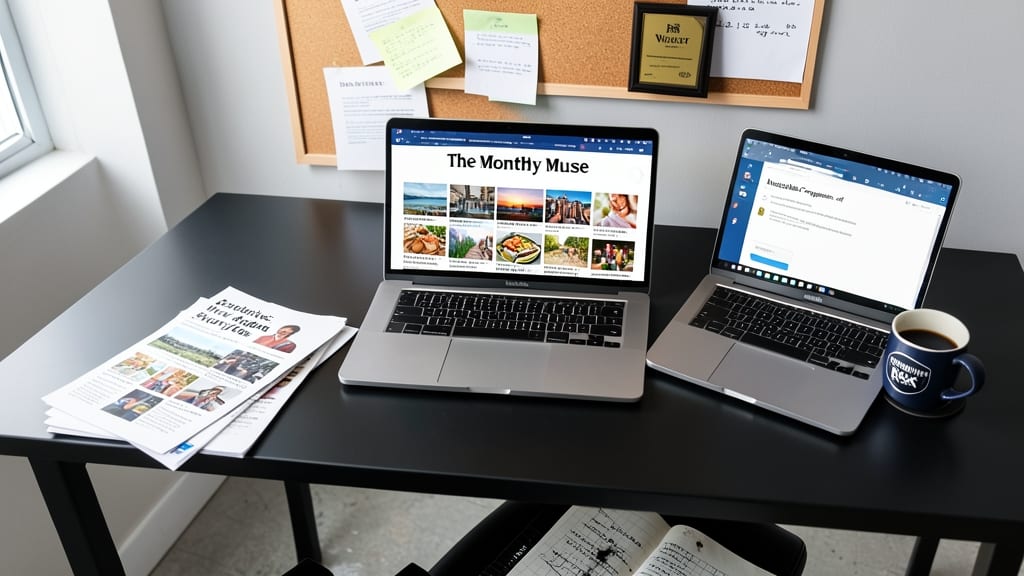
Want to turn your writing skills into a polished, professional portfolio piece? A Virtual Classroom Newsletter project lets journalism or communications students design a magazine-style layout using Microsoft Word or Publisher, then export it as an Outlook-compatible email template.
Start with a modern template (like the "Modern Newsletter" in Word or a Publisher magazine layout) and customize it with your school’s branding, color schemes, and editorial sections. Add hyperlinks to articles, embed images, and use Outlook’s email design tools to test compatibility—this mimics real-world digital publishing workflows. The best part? You can simulate a full editorial process, from drafting content to scheduling distribution.
This project is ideal for students aiming for careers in media, marketing, or communications. It’s a zero-cost way to build a portfolio piece that showcases both writing and design skills—perfect for impressing college admissions officers. ✨
College Application Comparison Matrix
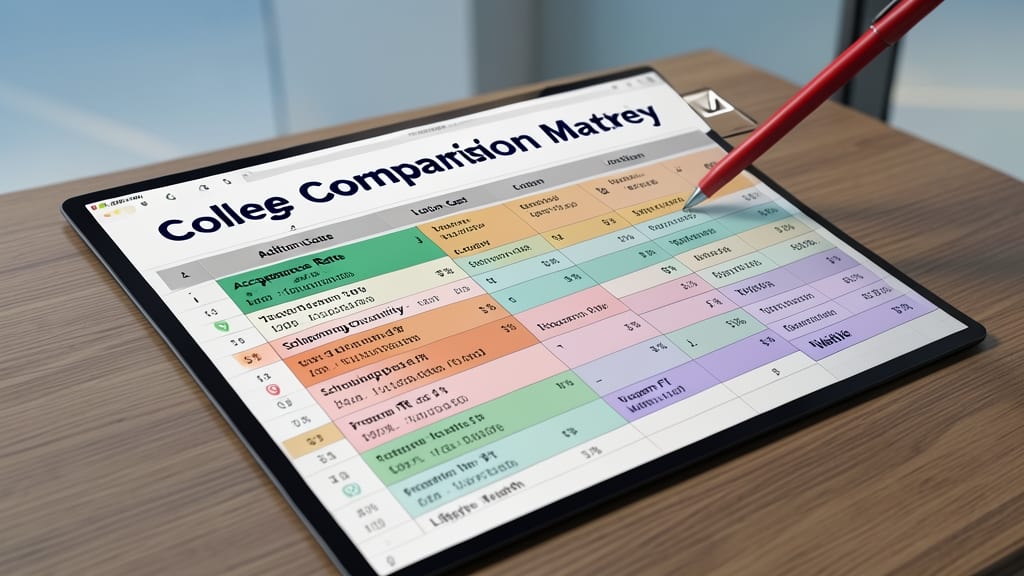
Choosing the right college isn’t just about rankings—it’s about finding the perfect fit for your goals, budget, and lifestyle. This Excel-based comparison matrix lets you weigh factors like acceptance rates, tuition costs, location preferences, and even scholarship opportunities in one place, turning overwhelming decisions into clear, actionable data.
Start by listing your top schools in columns, then assign weighted scores (e.g., 30% for cost, 25% for academic programs, 20% for campus culture). Use conditional formatting to highlight standout stats—like green for high scholarships or red for low acceptance rates—and add dropdown menus for quick comparisons. A built-in weighted average formula (e.g., =SUMPRODUCT(B2:B10,C2:C10)/SUM(C2:C10)) calculates a final score so you can rank options objectively.
Perfect for students applying to multiple schools, this project demonstrates analytical skills and data literacy—qualities admissions officers love. Plus, it’s a practical tool you’ll actually use during the application process! ✨
Infographic Research Presentation
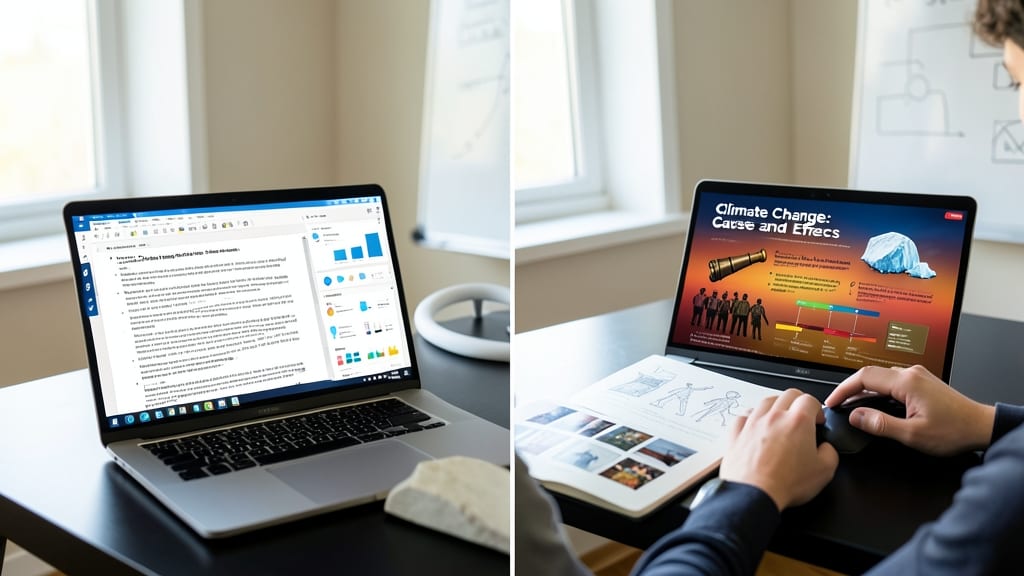
Struggling to make complex research topics like climate change or the Civil War actually engaging? Turn dense information into eye-catching infographics using PowerPoint + Canva or Visio—without needing design experience. This project merges data visualization with presentation skills, letting you simplify research while impressing teachers with professional design.
Start by outlining your topic’s key points in PowerPoint, then use Canva’s drag-and-drop icons or Visio’s smart shapes to create flowcharts, timelines, or comparison charts. Add color-coded data (e.g., red for negative impacts, green for solutions) and embed short video clips or hyperlinks for interactivity. For example, a biology student could visualize the nitrogen cycle with labeled arrows and real-world photos—far more memorable than bullet points!
Perfect for science, history, or social studies students who want to stand out. Teachers love projects that prove you can both research deeply and communicate clearly—this does both. ✨
Event Planning Calendar System
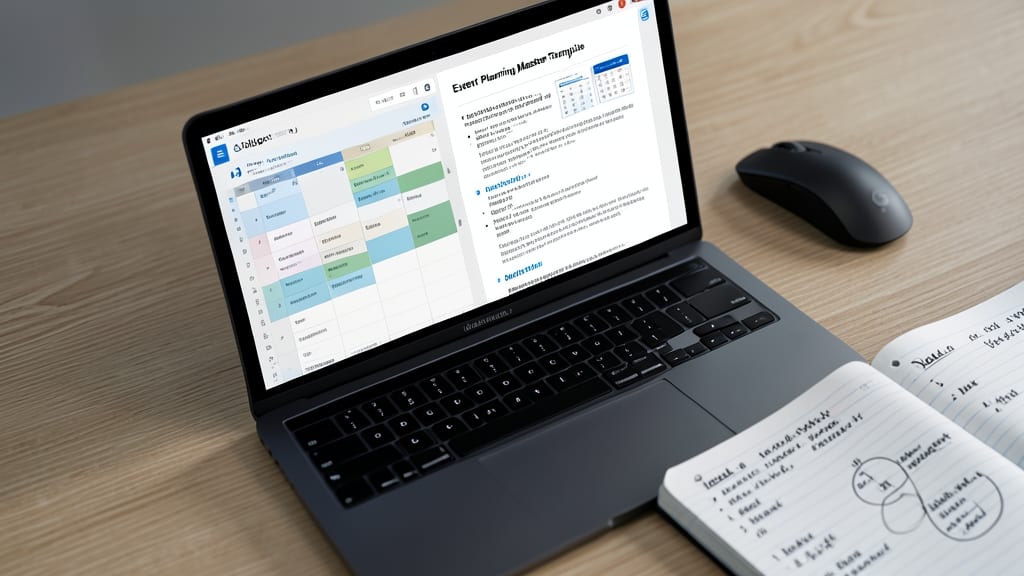
Want to prove you can juggle deadlines like a pro? This Outlook calendar system paired with Word event planning documents lets you showcase your organizational skills in a way that looks polished and professional—without needing fancy software.
Start by creating a master calendar in Outlook with color-coded events, then link it to a Word document template that includes timelines, budgets, and vendor contact lists. Use Outlook’s scheduling tools to automate reminders and sync with Google Calendar if needed. The Word doc can even include embedded tables for RSVPs or inventory tracking—perfect for mock events like a school fundraiser or charity gala.
This project is ideal for students aiming for careers in hospitality, marketing, or event coordination. It proves you can handle real-world project management while keeping everything organized in one seamless system. ✨
Personalized Career Exploration Guide

Not sure what career path aligns with your strengths? Turn that uncertainty into a dynamic, clickable career exploration guide using Word’s hyperlink and bookmark tools. This project transforms static research into an interactive experience where students can click through industry videos, take personality quizzes, and compare career paths—all while building research and tech skills.
Start with a table of contents linking to sections like "Personality Tests," "Industry Spotlights," and "Education Requirements." Embed YouTube videos (via hyperlinks) showing real-world job environments, and use Word’s developer tab to insert interactive forms for self-assessments. The result is a portable, shareable document that works on any device—perfect for college applications or career fairs.
Ideal for students who learn by exploring, this project helps undecided high schoolers visualize their future while mastering advanced Word features teachers love to see. ✨