
Outlook
Struggling to keep your Outlook calendar in sync with your team's workflow? These 10 calendar apps integrate seamlessly with Microsoft Outlook, offering advanced scheduling, cross-platform access, and enhanced collaboration features to streamline your professional life.
Google calendar integration for Outlook
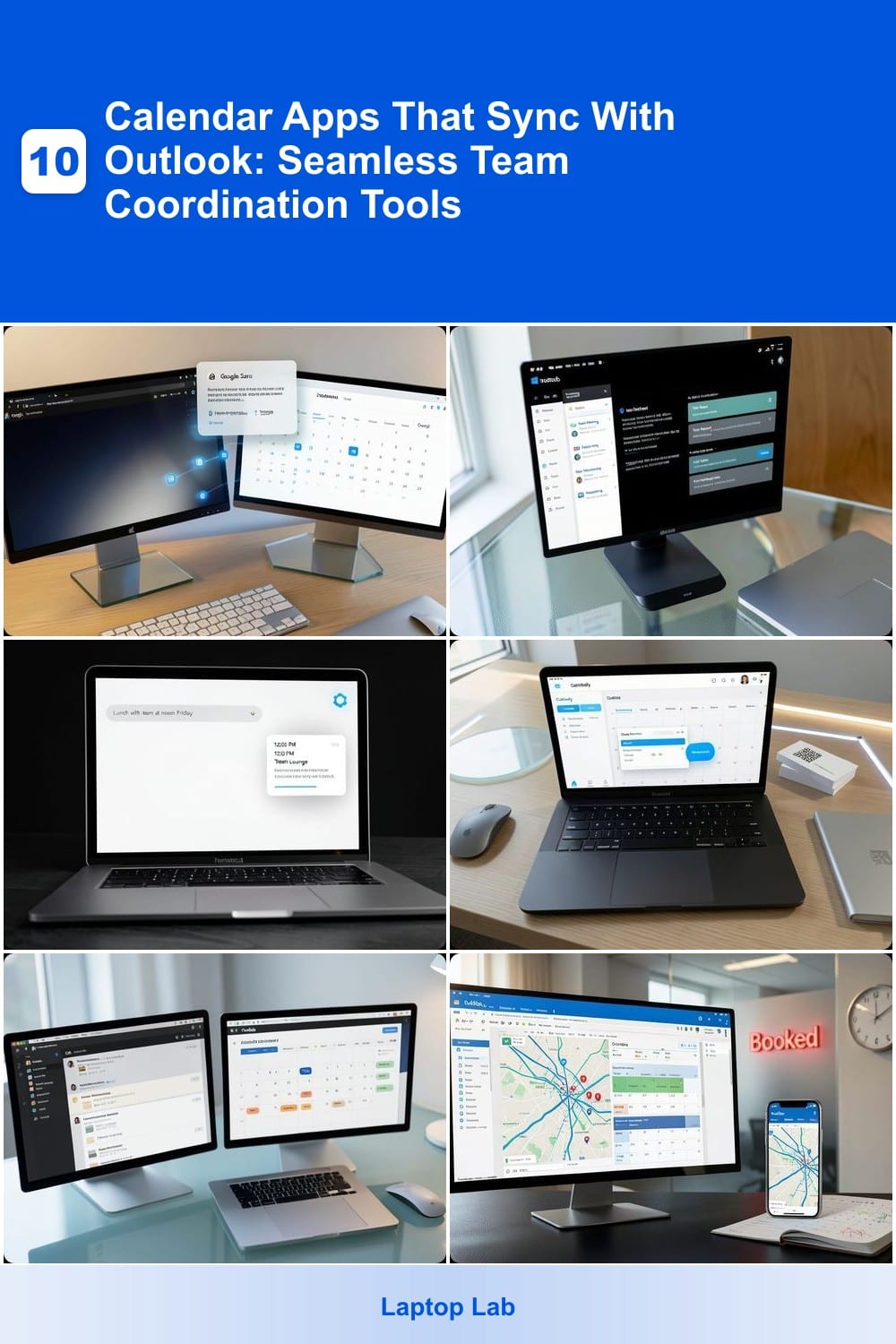
Already deep in the Google ecosystem? The Google Calendar Integration for Outlook lets you merge the best of both worlds—real-time sync, AI-powered scheduling, and smart event recommendations—without leaving Outlook behind.
With this add-on, your Google Calendar events auto-sync to Outlook in real time, while Google’s AI assistant suggests optimal meeting times based on your availability. The integration also supports shared calendars, recurring events, and location-based reminders, all while keeping your Outlook interface intact. No more juggling separate apps—just seamless, cross-platform coordination.
Perfect for Google Workspace users, remote teams, or anyone who relies on Google’s smart features while needing Outlook’s professional tools. Your calendar just got smarter—without the switch. ⚡
Microsoft to do with Outlook sync
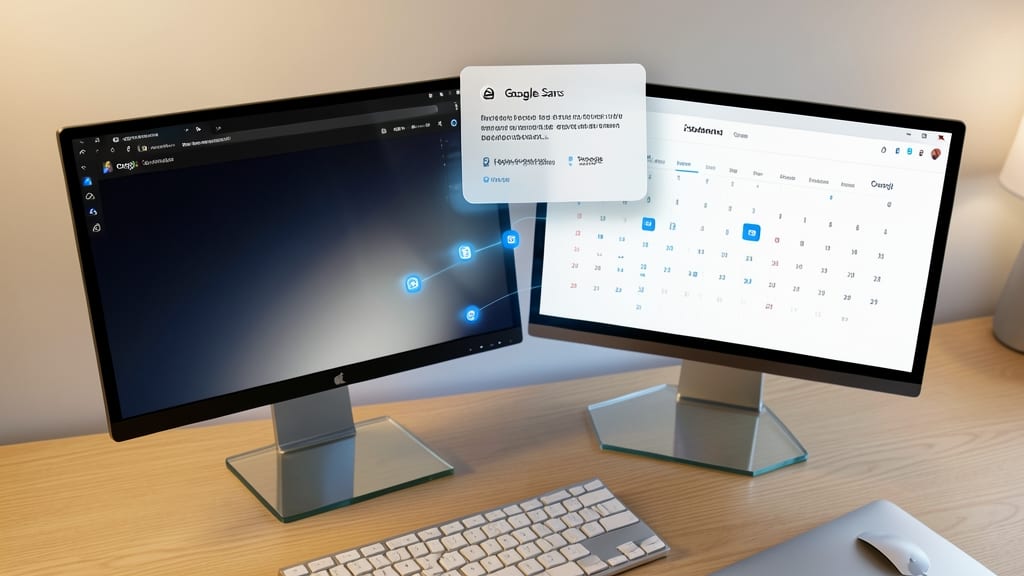
If your Outlook calendar feels like a separate world from your to-do lists, Microsoft To Do bridges the gap with seamless integration—turning deadlines into actionable tasks without leaving your workflow. Unlike standalone task managers, it syncs directly with your Outlook calendar, so events automatically appear as tasks with due dates, and vice versa.
The app’s smart reminders adapt to your habits, nudging you at optimal times, while shared lists let you collaborate with teams—perfect for project deadlines tied to calendar events. With cross-platform support (Windows, Mac, iOS, Android, and web), your tasks stay in sync whether you’re checking your phone or desktop. The My Day feature even prioritizes urgent tasks based on your calendar.
This is the powerhouse for project managers, students, or anyone juggling deadlines and meetings—it keeps your priorities visible without cluttering your inbox. 💻
Fantastical for Outlook users

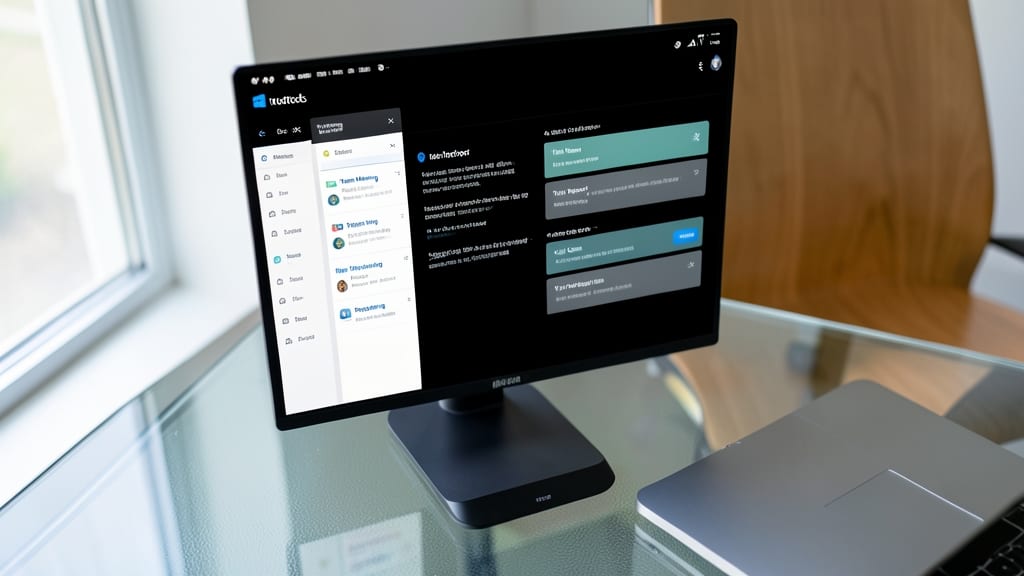
Tired of clunky calendar inputs and outdated recurrence rules? Fantastical 3 transforms your Outlook sync into a premium experience with its natural language parsing and sleek design.
This app lets you schedule events by simply typing "Lunch with team at noon Friday"—no dropdown menus required. Its advanced recurrence engine handles complex patterns like "every other Tuesday in Q3" without glitches, while the sunrise/sunset visualization makes time-blocking intuitive. Two-way Outlook sync keeps everything in sync across devices.
Perfect for creative professionals, executives, or anyone drowning in meetings—Fantastical’s polished interface and smart features make calendar management feel effortless. ✨
Calendly linked to Outlook
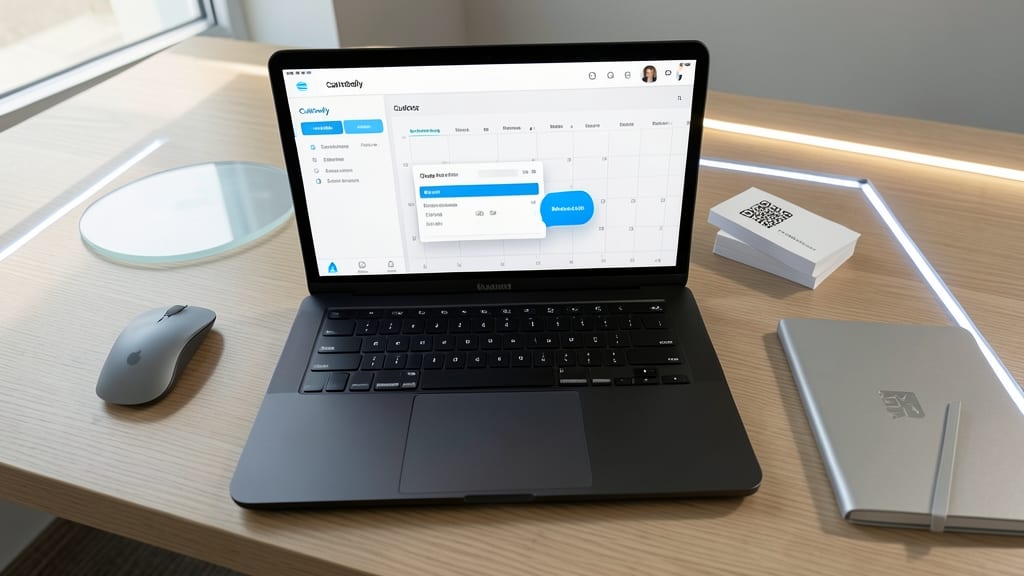
Tired of endless email threads just to book a meeting? Calendly cuts through the noise by letting clients or colleagues schedule directly with your Outlook calendar—no back-and-forth needed.
This tool offers two-way Outlook sync, so accepted meetings instantly appear in your calendar with all details (time zones, duration, and even video call links). Customizable scheduling links mean you can share your availability without revealing your full calendar, and the Pro plan adds reminders and analytics to track meeting trends.
Perfect for freelancers, sales teams, or anyone juggling client bookings—it’s the ultimate zero-config solution for streamlined scheduling. ✨
SaneBox for Outlook calendar management
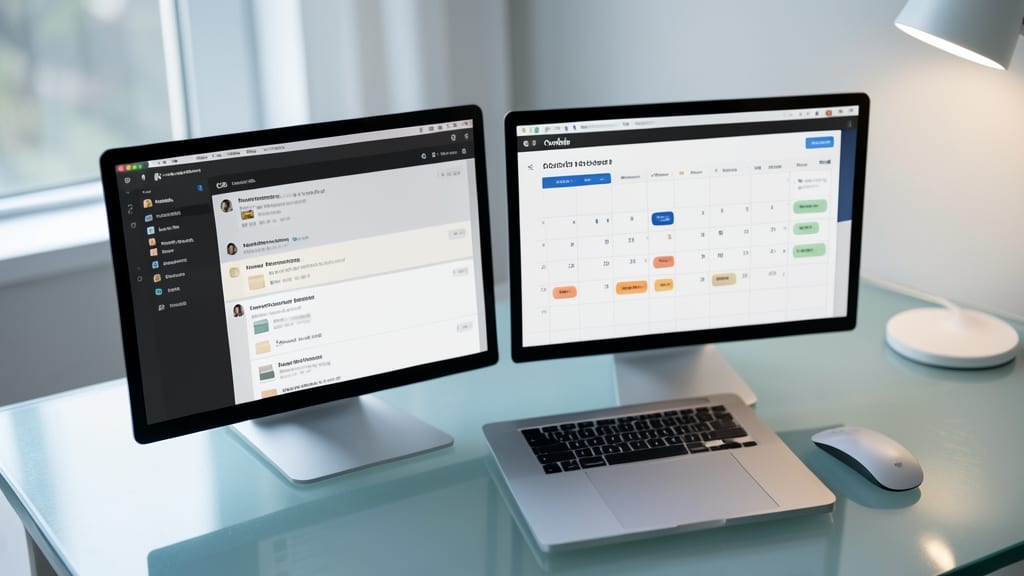
If your Outlook inbox feels like a never-ending task list, SaneBox transforms it into a streamlined command center. Unlike traditional calendar apps, SaneBox focuses on automated email filtering—sorting promotions, newsletters, and low-priority messages into separate folders—while its Outlook Calendar Sync feature converts key emails into actionable calendar events with a single click.
The magic happens with AI-powered rules that learn your habits, ensuring critical emails (like meeting requests) land in your calendar while junk fades into the background. You’ll also get SaneLater for scheduling emails to send later and SaneRemind to turn emails into calendar reminders. The setup takes just minutes, and it works seamlessly with Outlook 365, Outlook.com, and Exchange accounts.
Perfect for executives, entrepreneurs, or anyone drowning in email, SaneBox turns clutter into clarity without forcing you to switch platforms. Your Outlook stays intact—just smarter. ✨
Sunrise by SAP (now Microsoft Outlook integration)
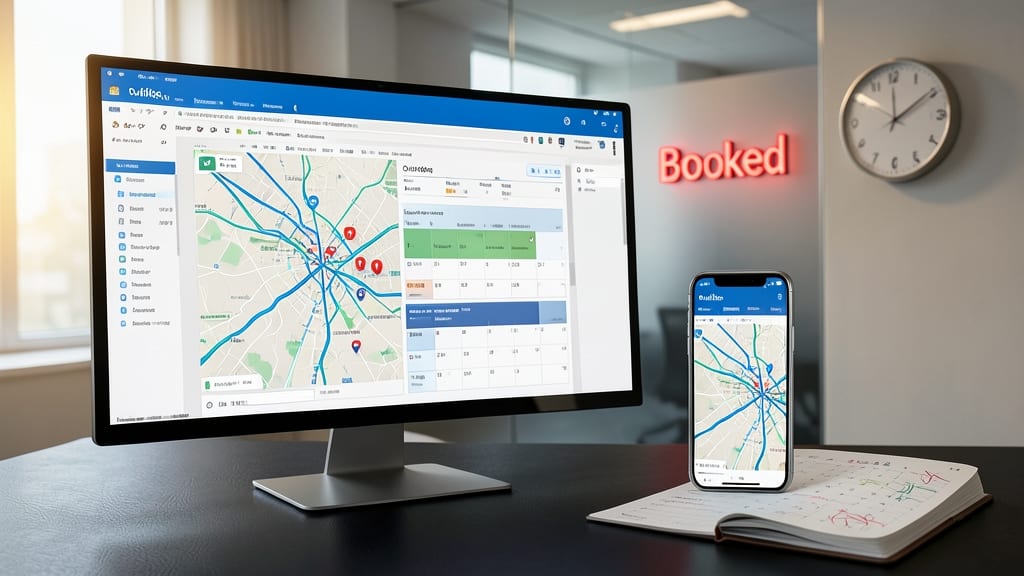
If you're tired of juggling travel times and team availability in separate tools, Sunrise by SAP (now fully integrated into Microsoft Outlook) brings smart scheduling directly into your inbox. Originally a standalone app, it now offers real-time transit calculations, meeting room availability, and automated conflict resolution—all within Outlook's familiar interface.
The integration includes AI-powered suggestions for rescheduling based on traffic or train delays, plus team availability overlays to avoid double-booking. It also syncs seamlessly with Outlook Groups, ensuring everyone stays on the same page. The app handles everything from commute estimates to calendar merging, reducing manual coordination by up to 40% for busy professionals.
Ideal for remote teams, frequent travelers, or anyone managing complex schedules, Sunrise turns Outlook into a powerhouse for both personal and professional coordination. ✨
Acuity scheduling for service professionals
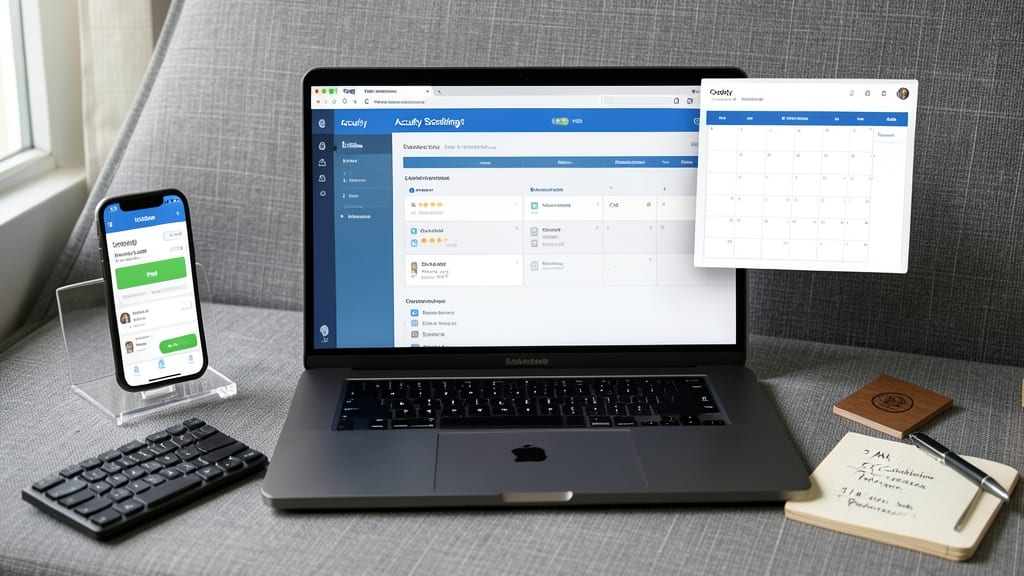
If you’re a consultant, coach, or service provider drowning in scheduling chaos, Acuity Scheduling turns your Outlook calendar into a fully automated booking powerhouse—complete with built-in payments and client management.
The platform syncs two-way with Outlook, so every appointment you book or reschedule updates instantly. Its Stripe and PayPal integration lets you collect payments directly during booking, while customizable booking forms gather client details upfront. You’ll also love the automated reminders and buffer times to reduce no-shows—all while keeping your workflow in Outlook.
This is the all-in-one solution for professionals who need more than just scheduling—they need a client management system that works seamlessly with their existing tools. ⚡
TimeTree family and team calendar

If keeping track of family soccer practice, your spouse’s work travel, and your own deadlines feels like herding cats, TimeTree might be your secret weapon. This calendar app specializes in shared visibility—not just syncing with Outlook, but making sure everyone sees exactly what’s happening, when, and where.
With color-coded calendars for each family member or team role, you can instantly spot conflicts or overlaps. The location-based reminders take coordination further—whether it’s a pop-up alert when your kiddo’s school bus is nearby or a heads-up that your coworker’s flight lands 30 minutes early. Setup is zero-config for Outlook sync, and the intuitive interface works flawlessly across iOS, Android, and web.
Perfect for families juggling multiple schedules or small teams with scattered locations, TimeTree turns chaos into clarity without the learning curve. 💡
Clockwise AI for Outlook optimization

Tired of your Outlook calendar turning into a chaotic mess of back-to-back meetings? Clockwise AI steps in as your calendar's personal trainer, using machine learning to reorganize your schedule for maximum productivity—without you lifting a finger.
This AI-powered tool connects directly to Outlook and intelligently reshuffles your events to create focused work blocks, minimize context-switching, and even account for your deep work preferences. With features like auto-scheduling buffers between meetings and priority-based event placement, Clockwise ensures your day flows smoothly. It also handles time zone adjustments and travel time automatically, making it perfect for remote or hybrid teams.
Ideal for knowledge workers, managers, and freelancers drowning in meetings, Clockwise transforms your Outlook calendar from a source of stress into a strategically optimized powerhouse. ⚡
Teamup calendar with Outlook sync

If your team spans time zones and needs a calendar that feels like a shared digital whiteboard, Teamup Calendar delivers with its real-time collaborative features—including live location sharing and threaded event comments. Unlike other Outlook sync tools, it’s designed specifically for teams that need to visualize schedules together, not just sync them.
You get two-way Outlook sync, color-coded team calendars, and @mentions for quick updates during events. The location-sharing feature lets remote teams see where colleagues are working (or traveling), while comment threads keep discussions tied directly to events—no more scattered Slack messages or lost emails. Pricing starts at $5/user/month for the Pro plan, with free trials available.
This is the tool for global teams, field crews, or hybrid workgroups where visibility and real-time collaboration matter more than just syncing events. ⚡